Live Gay VR Cams in 2026: How Real-Time Beats Scripted Scenes
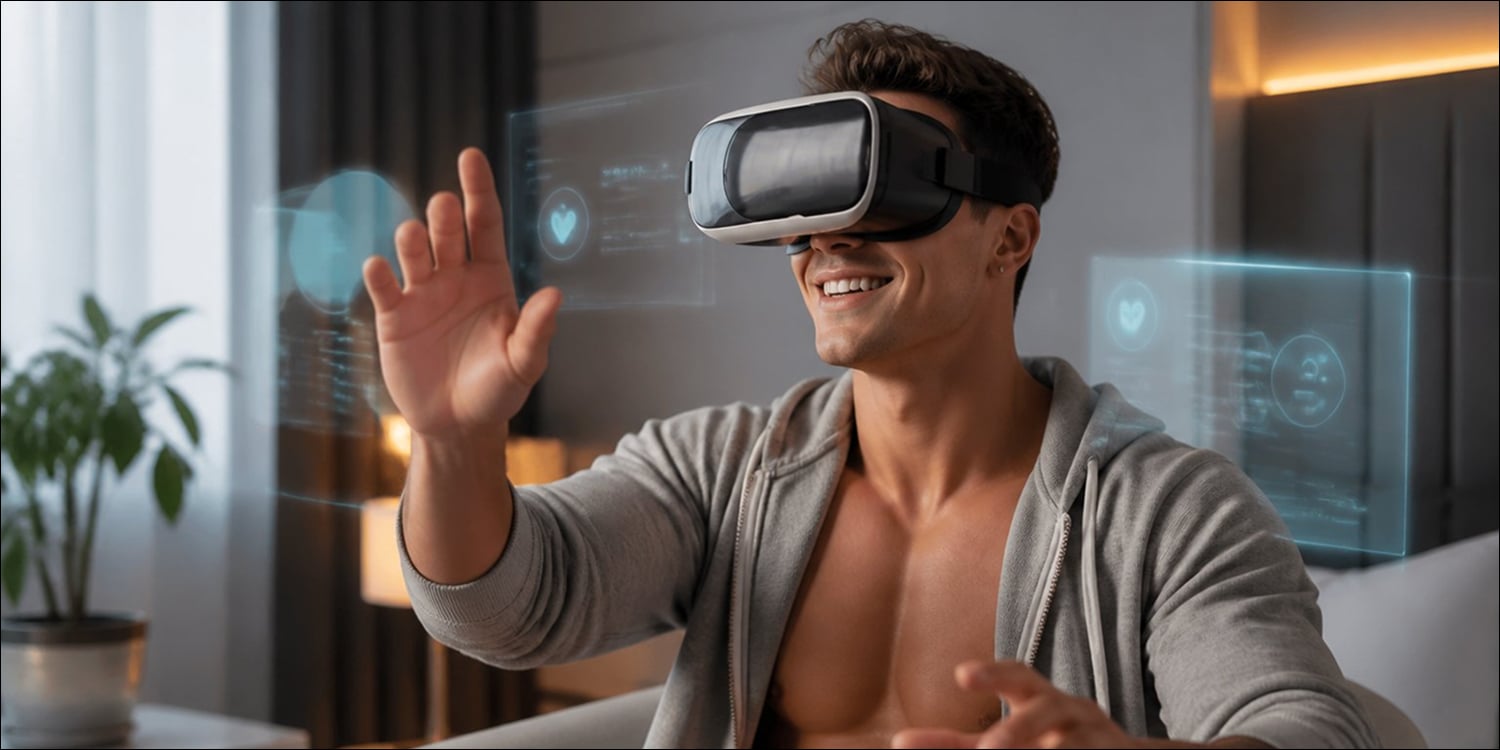
Why live gay VR cams trump scripted VR: real-time responses create a 'presence loop' that boosts agency, realism, and sensory fidelity.
A sharper headset won't save an experience where your choices don't matter. Ask a performer to pan left and watch them do it in seconds; that immediate, unscripted response is what pulls you into the moment. Scripted scenes, no matter how well produced, collapse the instant a viewer realizes nothing they do changes the outcome. Presence comes from interaction, not pixel count.
So what actually separates a hollow stream from something that feels genuinely co-created?
Resolution is a baseline comfort factor, not the engine of immersion. Real engagement depends on interaction. Platforms that support genuine real-time feedback consistently outperform any spec upgrade. Dedicated VR cam platforms increasingly focus on real-time interaction and viewer agency because responsiveness consistently drives deeper engagement than production quality alone.
The Agency Gap Explained (viewer agency & presence)
The Agency Gap is the distance between watching a fixed performance and actually shaping what happens next. It's a working term rather than an industry label, but it describes something real and consistent across platforms.
Scripted VR is a closed loop: you consume a set piece, and nothing you do touches it. A live cam session is a conversation; your input alters the moment as it unfolds. That's a fundamentally different experience, even at identical resolution.
Many platforms prioritize production value over responsiveness. They pour resources into visual polish without building any real back-and-forth between viewer and performer. The feed looks clean. The session feels transactional.
That structural gap is exactly what the Direct Response Loop closes. An immediate, visible reaction transforms a spectator into a participant. If a platform routes you into fixed playlists with no live input, the gap stays open no matter how crisp the video looks. The fix isn't a new feature; it's a performer who actually reads the chat.
The Direct Response Loop, latency, presence, and response
This is what turns pixels into presence: a user request, a visible unscripted response, and a clear cause-and-effect chain. That cycle matters far more than raw frame rate or pixel count. When it fires consistently, the brain registers the environment as real.
Mel Slater's 2009 research on place illusion and plausibility makes this concrete: responsive feedback increases the felt sense of inhabiting a virtual space, independent of display resolution. His work remains foundational here, though treat it as a classic finding rather than a comprehensive review of current haptics research. The headset matters less than most people assume.
Low latency is the measurable factor. A session where performer responses arrive within roughly 2–4 seconds feels genuinely co-authored. One where responses lag, or feel rehearsed, kills the mood just as effectively as a dropped connection.
Guideline: an unscripted, verifiable response within roughly 2–4 seconds is a reliable pass for real-time responsiveness.
Committing credits before confirming real-time interaction is one of the most common avoidable mistakes in live VR. Send one short, unambiguous prompt early, a camera adjustment or a held position, and confirm the response is genuine before spending more. Once the loop is working, layered requests feel coherent, and the whole session has a different energy.
Three Steps to Maximize a Live Session
Establish the connection, test responsiveness, then layer commands. Most users try to do too much too soon and disrupt the rhythm before it forms.
Step 1: Establish the Connection
Open with a clear, low-effort prompt that requires a visible action, something like "Can you adjust the camera so I can see the left side?" The goal is to confirm the performer is present and paying attention, not to kick off a complex sequence. If they reply with a specific, unscripted move, the loop is open. If not, the session will stay passive. Don't escalate until you have that confirmation.
Step 2: Test Responsiveness
Send a brief timed request and note the response delay. Short cues like "hold for two seconds" work well here; you're measuring latency against perceived rhythm, not raw bandwidth. If the round-trip feels sluggish, slow your prompts down or switch to a lower-resolution, higher-frame-rate mode where the platform offers one.
One detail worth knowing: many platforms briefly mute the chat feed during tipping animations. Prompting mid-sequence during those windows means your message may not register at all, so time requests for the gaps between animations rather than during them.
Step 3, Layer Commands
Once the feedback loop is confirmed, combine positioning and timing: "Lean in, hold for two seconds, then slowly pan right." Layering short, verifiable actions builds unscripted scenes more effectively than one long instruction. Make each layer verifiable before adding the next. If a compound instruction produces only partial compliance, revert to single-action prompts and rebuild from there. And if a request is declined, respect it, pivot rather than repeat.
Prompts That Work
Precision separates effective prompts from vague ones. Adding timing anchors improves clarity considerably, and testing each prompt in free chat first helps you gauge how well a performer reads direction before you spend.
- "Can you bring the camera lower so I can see chest level? Hold for two seconds."
- "Step left about a foot so I can see the window light on your side."
Comparison graphic: vague vs. structured prompts in live gay VR cams (real-time interaction), showing clearer performer responses to timed, precise requests. Side-by-side prompt comparison with annotated performer response quality differences.

How to Calibrate Your Approach Based on Experience Level
If you're new to gay VR cams, keep it simple. Many viewers exploring live VR cam guys for the first time discover that performer responsiveness has a much greater impact on immersion than headset specifications or video quality. Whether you're on a token-tipping platform or a subscription service, start with low-cost, single-action requests and confirm the performer actually responds before spending more. The instinct to escalate quickly is exactly where most new users lose the loop.
Look for performers who acknowledge chat within a few seconds of a request. It's a far more reliable signal than production quality or price tier, and a much better predictor of how the paid session will feel.
Once you've built some rapport, you can introduce spatial positioning requests and, where the platform supports it, haptic sync devices. Teledildonics tools can genuinely deepen the experience, but only when responsiveness is already solid. Hardware amplifies a working loop; it can't create one from scratch.
On subscription-based platforms, check whether the performer actively monitors chat during the session. Some don't. When that's the case, the feedback cycle breaks down regardless of your gear or connection quality. Price reflects production value, not attentiveness. Those are separate things entirely.
Common Mistakes and Quick Fixes
The most common error is treating live performers like video players. Fix it early: ask for one small, verifiable action in the first few minutes. If it's ignored, don't push, pivot, or end the session.
Poor connection settings are a close second. A wired connection running at lower resolution and higher frame rate will do more for your experience than any post-session troubleshooting. On a standalone headset, Wi-Fi 6 or a PC tether should be your baseline; wireless congestion is one of the most consistent culprits behind broken timing.
Over-scripting kills momentum fast. Break requests into two or three short commands, gauge the response, then decide whether to stack more. When something feels off, reset to a simple prompt. If nothing shifts, cut the session short. A passive stream rarely justifies the spend.
Editorial policy
This article was researched independently across multiple live VR cam platforms. No operator paid for placement or influenced the findings.
The 10-Minute Free-Chat Test
Real-time interaction only delivers when performer responsiveness and low latency show up together. Without both, the timing slips and the whole thing reads as a polished stream with a chat box bolted on.
Run it like this: spend the first two minutes establishing baseline framing and bitrate, the next three testing single-action prompts, then the final five on a layered request, but only if the earlier steps held up. This short probe separates genuinely high-agency sessions from streams that look premium but stay passive.
An unscripted, verifiable response within roughly 2–4 seconds is a reliable pass for real-time responsiveness. Latency and performer style can shift that window, so treat it as a working baseline rather than a hard rule. If you can't hit that during the probe, don't commit to longer sessions or additional credits.
A responsive session feels co-created; each exchange confirms something real is happening. An unresponsive one reveals itself quickly. If responsiveness fails twice across short free-chat tests, move on.